



Nextion Editor Overview
Nextion Editor is a free human-machine interface (HMI) GUI development software for Nextion Basic Series, Discovery Series, Enhanced Series, and Intelligent Series. The software offers an easy way to create an intuitive and superb touch user interface even for beginners. Add a static picture as a background, define functions by components, you can make a simple GUI in minutes. The easy Drag-and-Drop components and simple ASCll text-based instructions will dramatically reduce your HMI project development workloads and develop projects rapidly in a cost-effective way. The Nextion product is the best balance HMI solution between cost and benefit with a low and decreased learning curve.
 Nextion Editor Features
Versatile Character Encoding
With several character encoding, you are able to create the HMI project in your language characters and strings.
Fonts and Text Styling
The font creator allows you to generate the specific fonts applied in each component value or text attribute. e.g.Generate the font of “Arial” with Height “24” and Encoding “UTF-8”
 25+Amazing WYSIWYG Components
Easy-to-use components to customized GUI at screen side allow you to develop projects rapidly in a cost-effective way
Component Attribute Setting
The component attribute setting gives you the options to design all the aspects of the component that you need.
 Free Simulator Debug
Debug the HMI project at any time even without the Nextion Display. The instruction input area allows you to send any Nextion commands to check the feedback and interactions.
Nextion Operational Commands
The operational commands allow users to program the HMI interactions by coding in Events windows
 Text-based Instruction Set
Simple ASCll text based instructions will dramatically reduce your HMI project development workloads
Support Simple Assignment Operators
To handle the calculation and assignment for the text and Numeric data, the simple assignment operators help.


Features
-
3.2-inch TFT HMI Display (400×240 resolution)
-
Resistive touchscreen for smooth operation
-
16 MB Flash memory and built-in RTC (CR1220 support)
-
8 GPIOs with PWM support (IO0–IO7)
-
Wide temperature range: -20°C to 70°C
-
Easy design via Nextion Editor software
-
Supports multiple character encodings and anti-aliased fonts
-
Compatible with Arduino, ESP32, Raspberry Pi, and more
Specifications
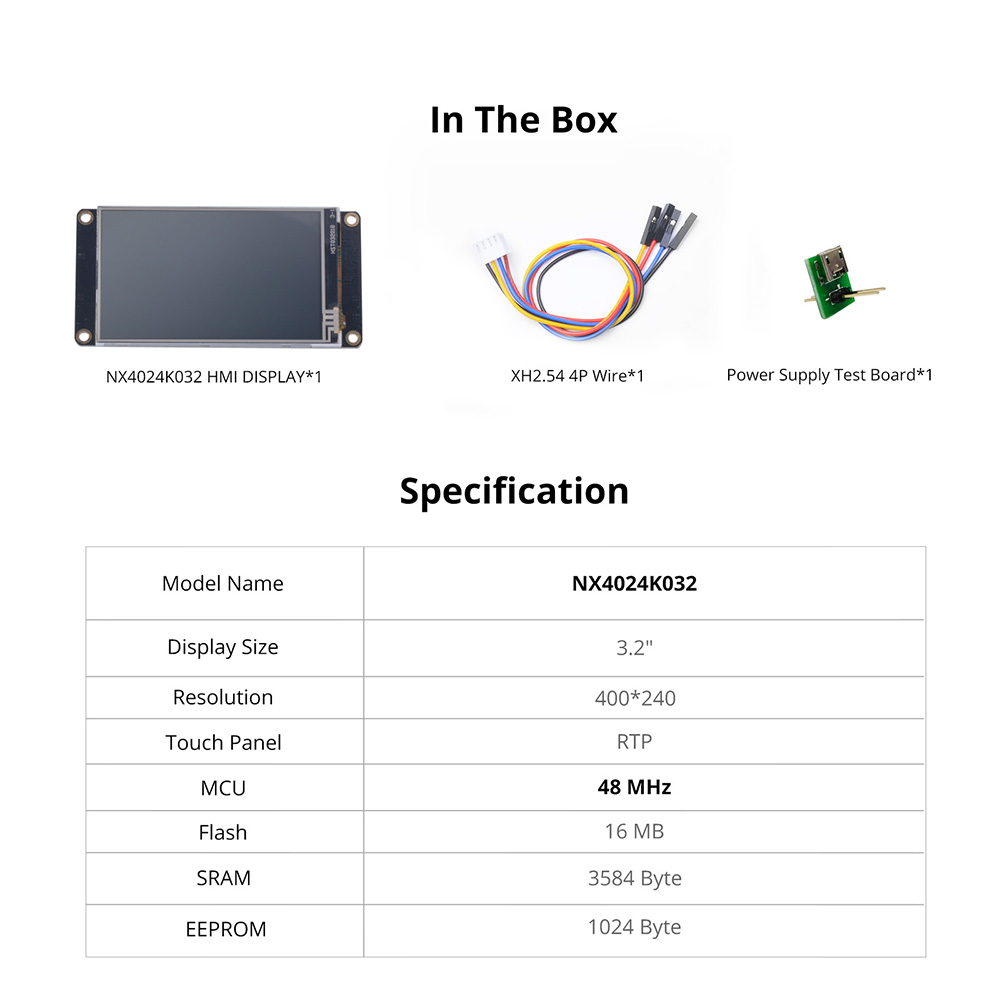
| Parameter | Details |
|---|---|
| Brand | Nextion |
| Model | NX4024K032 (Enhanced Series) |
| Display Size | 3.2 inch |
| Resolution | 400 × 240 pixels |
| Touch Panel | RTP (Resistive Touch Panel) |
| MCU | 48 MHz |
| Flash Memory | 16 MB |
| SRAM | 3584 Bytes |
| EEPROM | 1024 Bytes |
| GPIOs | 8 (IO0–IO7), IO4–IO7 support PWM |
| RTC | Yes (CR1220 Battery Supported) |
| Input Power | DC 5V, 500mA |
| USART Port | XH2.54 4P |
| Storage Temperature | -30°C to 85°C |
| Working Temperature | -20°C to 70°C |
| Character Encoding | ascii, utf-8, iso-8859-1~15, gb2312, ks_c_5601-1987, big5, windows-874/1255/1256/1257/1258, koi8-r, shift-jis |
| Supported Components | Text, Number, Button, Slider, Progress Bar, QR Code, Timer, Gauge, Waveform, and more |
| Anti-aliasing Font | Yes |
| Weight | 0.075 kg |
| Dimensions (L×W) | 9.5 × 4.76 cm |
Package includes
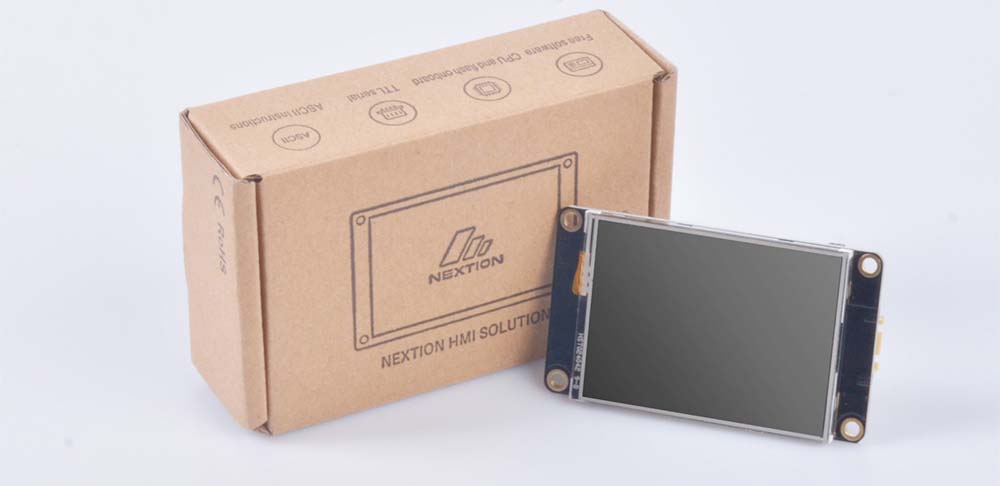
1× 3.2″ Nextion Enhanced HMI Display
1× power supply test board
1× 4-pin grove cable